n8n, Make and Zapier are the three workflow automation tools most businesses shortlist. All three connect your apps and run steps automatically when something happens. All three now support AI steps. And all three are good, which is why the choice is confusing.
The right answer depends on who will build and maintain the workflows, how many times they will run each month, and how strict you need to be about where your data goes. This n8n vs Make vs Zapier guide compares the three on the points that actually decide it.
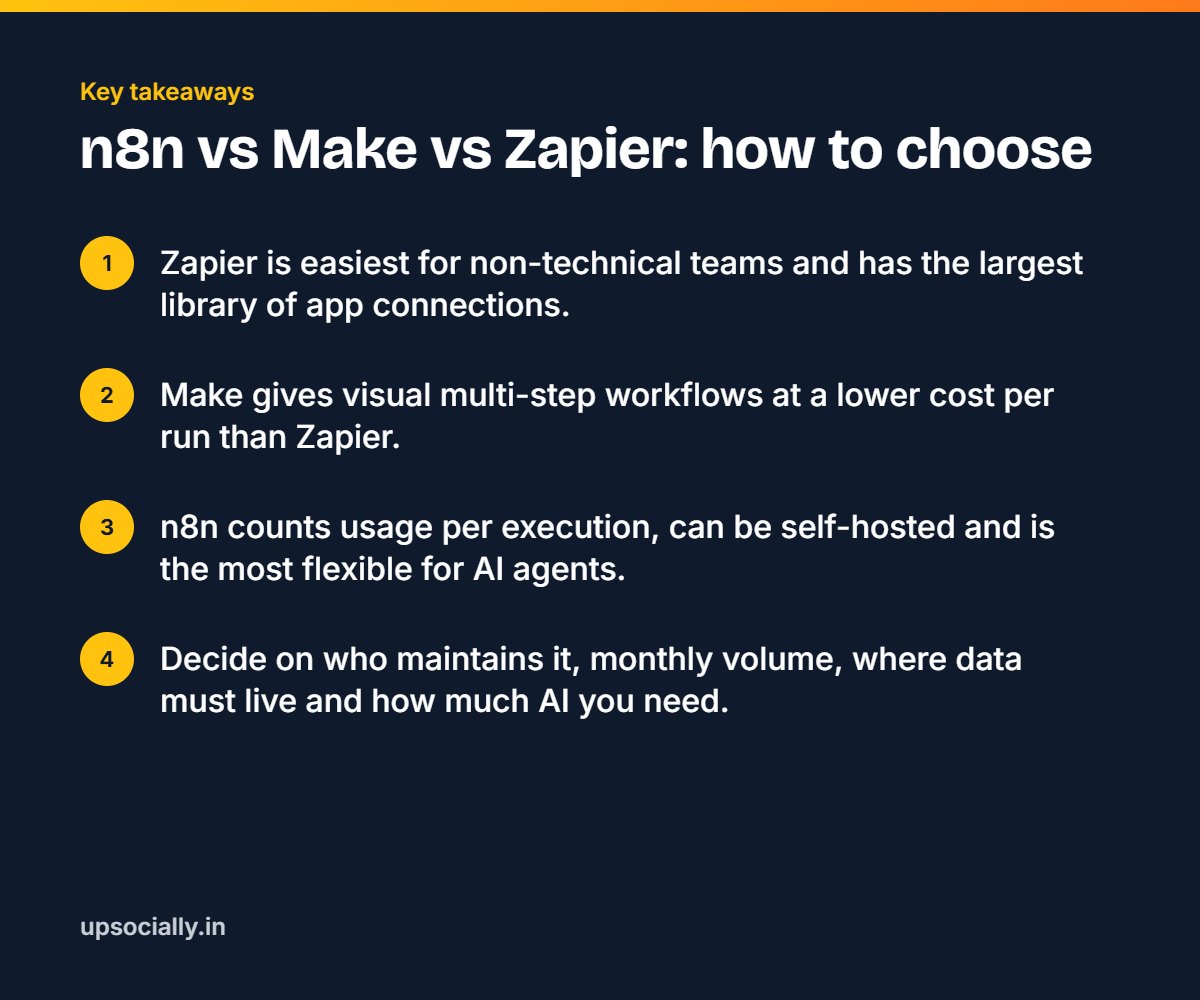
Key takeaways
Zapier is easiest for non-technical teams and has the largest library of app connections.
Make gives visual multi-step workflows at a lower cost per run than Zapier.
n8n counts usage per execution, can be self-hosted and is the most flexible for AI agents.
Decide on who maintains it, monthly volume, where data must live and how much AI you need.
The short answer
Choose Zapier if non-technical people will build simple workflows themselves and you need the widest choice of ready-made app connections.
Choose Make if you want visual, multi-step workflows with branching and data transformation at a lower cost per run than Zapier.
Choose n8n if you run high volumes, want to self-host so data stays on your servers, or are building AI agents and custom logic.
n8n vs Make vs Zapier at a glance
Zapier
Make
n8n
Best for
Simple, quick automations by non-technical teams
Visual multi-step workflows
Complex, high-volume and AI-heavy workflows
How usage is counted
Per task (each action step that runs)
Per credit (each module that runs uses credits; AI modules can use more)
Per workflow execution on the cloud plan; self-hosted has no usage limit
Ready-made app connections
Largest library, several thousand apps
Large library, well over a thousand apps
Smaller library, plus HTTP and code nodes for any API
Self-hosting
No
No
Yes
Learning curve
Easiest
Moderate
Steepest
AI agents
AI actions and agent features
AI modules and agent features
Built-in AI agent, memory and tool nodes
Pricing changes often, so check each vendor’s current pricing page before you decide. What matters more than the headline price is how each tool counts usage, which we cover below.
Zapier: easiest to start
Zapier is built for people who are not developers. You pick a trigger app, pick an action app, map a few fields and switch it on. Its app library is the largest of the three, so if you use a niche Indian SaaS tool, Zapier is the most likely to have a ready connector.
Where it struggles: cost at volume and complex logic. Every action step that runs counts as a task, so a five-step workflow that runs 2,000 times a month uses around 10,000 tasks. Branching, loops and data transformation are possible but get awkward quickly.
Good fit: a small team that wants form-to-sheet, sheet-to-email or calendar-to-Slack automations it can manage itself.
Make: visual power at a lower cost per run
Make (formerly Integromat) shows each workflow as a visual map of connected modules. Routers, filters, iterators and error handlers are first-class features, so multi-branch workflows are much easier to build and read than in Zapier.
Where it struggles: usage is counted in credits for each module that runs (Make replaced its old “operations” unit with credits in 2025), and loops over many records can use credits quickly if the workflow is not designed carefully. It is cloud-only, so your data passes through Make’s servers.
Good fit: operations and marketing teams with someone comfortable with logic, running moderately complex workflows such as lead routing, order processing or multi-step reporting.
Free Tool Recommendation
Not sure which tool fits your workflows?
Tell us what you want to automate and roughly how often it runs. We'll recommend n8n, Make or Zapier for your case and outline how we'd build it.
n8n is a workflow tool you can use on its cloud service or install on your own server. It has a visual editor like Make, but also lets you drop into JavaScript or Python, call any API with an HTTP node, and build AI agents with memory and tools natively.
Two things make n8n stand out. First, on the cloud plan usage is counted per workflow execution, not per step, so long workflows do not cost more per run. Second, the self-hosted community edition has no usage limit at all; you pay only for the server. For a business running tens of thousands of executions a month, or one that cannot send customer data to a third-party automation cloud, this is decisive.
Where it struggles: it asks more of the builder. Self-hosting means someone has to manage the server, updates, backups and security. Its library of ready-made connectors is smaller, though the HTTP node covers most gaps.
Good fit: businesses with high volumes, strict data rules, or AI-heavy workflows such as WhatsApp agents, document extraction and lead scoring, especially when an agency or in-house developer maintains them.
n8n vs Make vs Zapier pricing: a worked example
Take a lead workflow with six steps: receive the lead, AI scoring, add to CRM, send WhatsApp reply, alert salesperson, log to a sheet. Run it 3,000 times a month.
Zapier counts each action step, so this uses roughly 15,000 tasks a month.
Make charges credits for each module, so this uses at least 18,000 credits a month, and more if its built-in AI modules are used.
n8n cloud counts each run once, so this uses 3,000 executions. Self-hosted n8n has no usage count; you pay for the server.
Make’s price per credit is usually lower than Zapier’s price per task, so Make often still costs less. But the gap widens in n8n’s favour as workflows get longer and volumes grow. AI model costs (OpenAI, Claude or Gemini) are separate in all three.
Data, security and compliance
With Zapier and Make, your data flows through their cloud. Both are established vendors with security programmes, which is acceptable for most businesses. If you handle health records, financial data or anything your clients contractually require to stay in-house, self-hosted n8n lets you keep the workflow engine on your own server or Indian cloud region. Whichever tool you use, keep API keys in the business’s accounts, give each connection the minimum access it needs and mask sensitive fields before sending them to an AI model.
n8n vs Make vs Zapier: which one should you choose?
Who maintains it? If nobody technical, start with Zapier. If one person is comfortable with logic, Make. If a developer or agency maintains it, n8n.
How many runs a month? Low volume: any of the three. High volume with long workflows: n8n.
Where must data live? If it must stay on your servers, self-hosted n8n is the only one of the three that allows it.
How much AI? For AI agents with memory and tools, n8n is currently the most flexible. For a single AI step, all three work.
For high volumes, complex logic, self-hosting or AI agents, n8n is usually the stronger choice. For simple automations built by non-technical staff, Zapier is easier and has more ready-made app connections.
Is n8n free?
The self-hosted community edition of n8n is free to use with no usage limit; you pay for your own server and maintenance. n8n also offers paid cloud plans billed by workflow executions.
Which is cheaper, Make or Zapier?
For most multi-step workflows, Make costs less per run than Zapier, because its price per credit is usually lower than Zapier’s price per task. Check both vendors’ current pricing for your expected volume.
Can these tools use AI like ChatGPT?
Yes. All three can call OpenAI and other AI models. n8n also has built-in AI agent nodes with memory and tools, which makes it the most flexible for building AI assistants.
Which automation tool is best for WhatsApp workflows in India?
All three can connect to WhatsApp Business API providers such as WATI, Interakt or AiSensy. For high-volume WhatsApp flows with AI replies, n8n is often preferred because of its per-execution pricing and flexibility.
About the author
UpSocially Team
Written by the UpSocially team in Bengaluru, a group of performance marketers, designers and developers who plan, build and run campaigns and websites every day. UpSocially is a performance marketing and website development agency working with healthcare, real estate, construction, education and B2B brands across India. We write from the campaigns and websites we plan and build, and we check regulated-industry articles against official sources.
Last reviewed: 12 November 2026
AI Automation
Workflows built on the right tool
We build and maintain automations on n8n, Make and Zapier, with AI agents, WhatsApp and CRM connections, for businesses across India. Tell us what you want to automate.