
Key takeaways
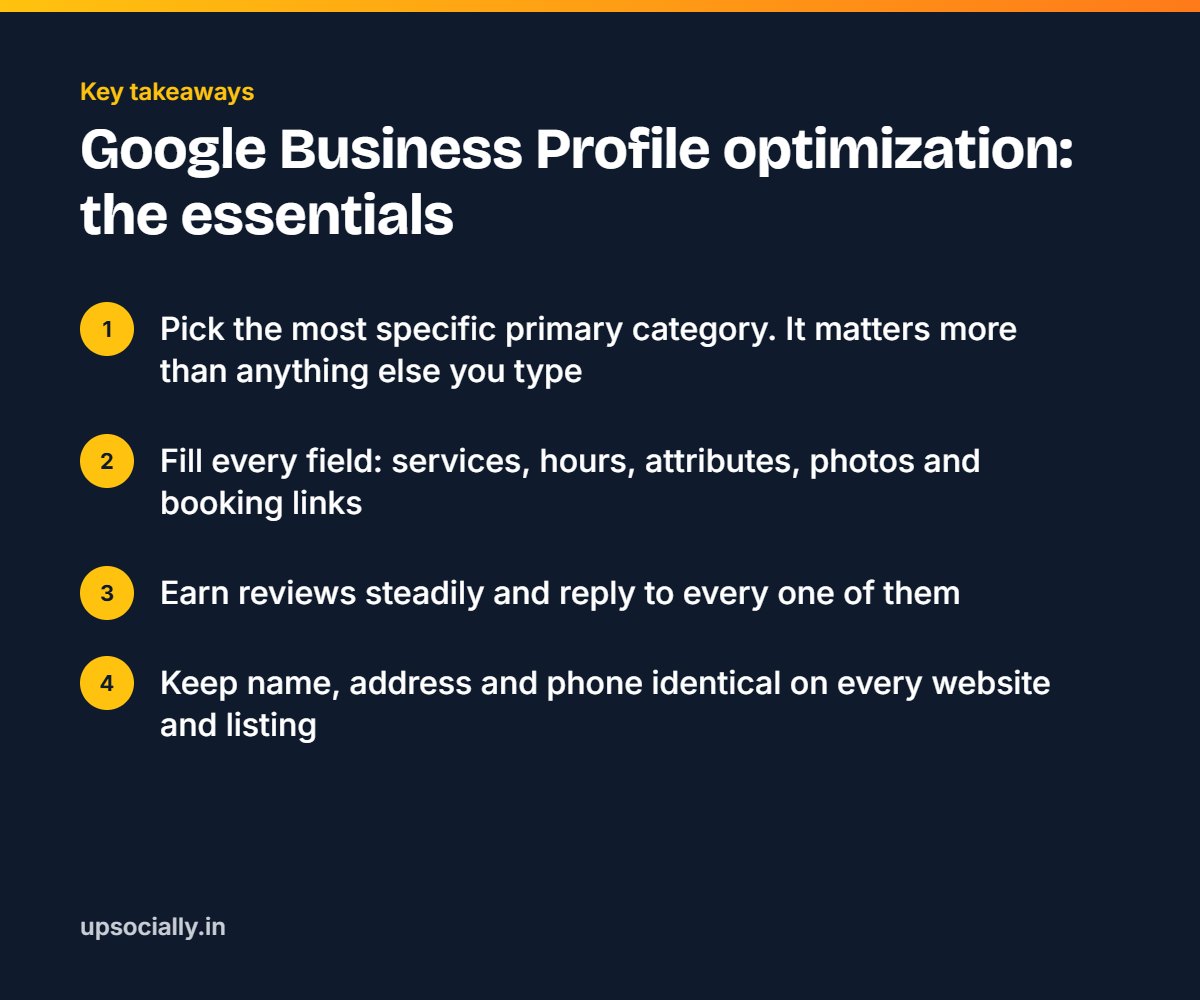
- Google ranks local results on three things: relevance, distance and prominence. Optimization improves relevance and prominence.
- Your primary category has the biggest effect. Choose the most specific one that describes your main service.
- Complete every field and add real photos, then earn reviews steadily and reply to all of them.
- Never stuff keywords into your name or use fake addresses. Both risk suspension.
What Is Google Business Profile Optimization?
Google Business Profile optimization means completing and improving your free Google listing so that you appear higher in Google Maps and local search, and so that more of the people who see you call, visit, ask for directions or book. It includes your categories, services, description, hours, photos, reviews, posts and the consistency of your details across the web.
Google says local results are based mainly on relevance (how well your profile matches the search), distance (how far you are from the searcher or the area searched) and prominence (how well known and trusted your business is, including reviews and links). You cannot change your distance, so optimization focuses on the other two.
Optimising the profile is half the job. To see how Google actually ranks local results and how to track your position block by block, read how to rank in Google Maps for near me searches.
Step 1: Claim, Verify and Set Up Correctly
- Search for your business first. If a listing already exists, claim it instead of creating a new one. Duplicates split your reviews and confuse Google.
- Use a business email you control long term, and add a second owner or manager so access is never lost when an employee or agency leaves.
- Verify the profile. Google may ask for a video showing your signage, workplace and proof of management, or offer phone, email or other methods. Keep signage and a business document ready.
- Storefront or service area? If customers visit you, show your address. If you serve customers at their location (pest control, home tutors, interior designers without a studio), set service areas and hide the address.
Step 2: Choose the Right Categories
Your primary category is the strongest relevance signal you control. Choose the most specific option that describes your main business: “Dental clinic” rather than “Doctor”, “Biryani restaurant” rather than “Restaurant”, “Preschool” rather than “School”.
Add secondary categories only for services you really provide. You can add up to nine, but more is not better if they are only loosely related. Look at the categories used by the top three businesses for your main search to see what Google associates with it.
Step 3: Complete Every Field
| Field | What to do |
|---|---|
| Business name | Exactly as on your signboard and documents, with no added keywords or locations |
| Address or service area | Accurate, with a pin placed on your real entrance |
| Phone | A local number answered during business hours, ideally also on WhatsApp |
| Website | Link to the most relevant page, such as a location page for each branch |
| Hours | Regular, special and holiday hours, updated before every festival |
| Description | Up to 750 characters on what you do, who you serve and what makes you different, in plain language |
| Services or menu | Every service with a short description and a price or starting price where possible |
| Products | Key products or packages with photos and prices |
| Attributes | Accessibility, payments, amenities, women-led and other options that apply |
| Booking and appointment links | A working booking page or WhatsApp link |
| Opening date | Your real opening date |
Use the words customers search for in services and descriptions, naturally. A physiotherapy clinic should list “back pain treatment”, “sports injury rehab” and “post-surgery physiotherapy”, not just “physiotherapy”.
Step 4: Photos and Videos That Build Trust
- Exterior and signage from the street, so people recognise you when they arrive.
- Interior such as reception, seating, rooms and washrooms, kept clean and well lit.
- Team in uniform at work, which makes your business feel real.
- Work and products: dishes, treatments, finished projects, classrooms or showrooms.
- Short videos of a walk-through or your work in progress.
Use real photos, not stock images, and add new ones every few weeks. Photos taken on a good phone in daylight are enough.
Step 5: Reviews, the Engine of Prominence
Reviews influence both your ranking and whether people choose you. What matters is a steady flow of genuine reviews, recent ones and your replies.
- Ask every customer at the right moment: after a successful treatment, a meal or a project handover. Use a QR code and a short link sent on WhatsApp.
- Do not offer incentives. Google does not allow discounts, gifts or payments in exchange for reviews, and selective asking only from happy customers (review gating) goes against its policies.
- Reply to every review within a day or two. Thank happy customers by name and service. For negative reviews, apologise for the experience, avoid sharing private details and invite the person to talk offline.
- Never buy or write fake reviews. Google removes them and can restrict your profile. In India, the Bureau of Indian Standards’ IS 19000:2022 standard also sets out how online consumer reviews should be collected and published honestly.
Healthcare businesses have extra limits on what they can say and claim online. See our guide to social media rules for doctors in India.
Step 6: Posts, Offers and Updates
Google posts let you share updates, offers and events directly on your profile. Post weekly about new services, seasonal offers, events, festive hours or a recent project. Add a clear button such as Book, Call or Learn more, and use real photos. Posts keep the profile active and give searchers a reason to choose you today.
Step 7: Make Your Website and Listings Agree
Google checks whether the rest of the web agrees with your profile.
- Keep NAP consistent: the same name, address and phone on your website, Justdial, Sulekha, IndiaMART, Practo, Zomato, Facebook, Instagram and industry directories.
- Create a location page for each branch on your website, with address, map, hours, services and photos, and link each profile to its own page.
- Add LocalBusiness structured data using the most specific schema.org type (such as Dentist, Restaurant or HairSalon) with your address, hours and phone.
- Earn local links and mentions from associations, local news, partner businesses and event pages. These build prominence.
A fast, well-structured site makes all of this easier. See our website development checklist.
Multi-Location Businesses
Each real branch with staff and signage should have its own profile, with its own phone number where possible, its own photos and its own location page. Use the same brand name and categories across branches, and manage them together in a business group so access stays with the company. Do not create profiles for locations without a real, staffed presence.
Common Mistakes That Hurt Rankings or Cause Suspension
- Adding keywords or areas to the business name, such as “Smile Dental Best Dentist Bangalore”.
- Using a virtual office, co-working desk or residential address as a storefront without real customer service there.
- Duplicate listings for the same location.
- Changing name, address, category and phone all at once.
- Wrong pin location or outdated hours.
- Buying reviews or posting reviews from staff and family.
- Letting an agency or former employee own the profile instead of the business.
What to Track Every Month
The Performance section of your profile shows how people find and interact with you. Track these each month:
- Searches that showed your profile, and the search terms behind them.
- Calls, direction requests, website clicks and bookings.
- New reviews and average rating.
- Rankings for your top five searches from several points around your location, using a local rank tracker.
Add UTM parameters to your website link so Google Analytics shows visits from your profile separately, and connect calls and WhatsApp clicks to real enquiries and sales.
Google Business Profile Optimization by Industry
The checklist is the same, but what customers look for differs. Clinics need doctor details, treatments and careful wording. Restaurants need menus and dish photos. Salons and spas need service prices and hygiene photos. Schools need admissions information and campus photos. For industry ideas, see salon marketing ideas, restaurant marketing ideas, SEO for dentists and how to increase school admissions.
Final Thoughts
Good Google Business Profile optimization is not a trick. It is a complete, accurate and active profile, backed by real reviews and a website that agrees with it. Choose the right primary category, fill in every field, add real photos, earn reviews steadily and keep your details consistent. Do that every month, and your business becomes the obvious choice for people searching nearby.
Frequently Asked Questions
What is Google Business Profile optimization?
Google Business Profile optimization is the process of completing and improving your free Google listing, including categories, services, photos, hours, reviews and posts, so that your business appears higher in Google Maps and local search results and more people call, visit or book.
How long does it take to see results from Google Business Profile optimization?
Simple fixes such as the correct primary category, accurate hours and new photos can improve visibility within a few weeks. Gains from reviews, local links and consistent listings build over two to six months, depending on competition in your area.
Can I rank on Google Maps in areas far from my business address?
Only to a limited extent. Distance is one of Google’s three main local ranking factors, along with relevance and prominence. To reach more areas, open real branches with their own profiles or build helpful area pages on your website. Never create fake addresses or virtual offices, which can get profiles suspended.
Should I add keywords to my business name on Google?
No. Google’s guidelines say your business name should match your real-world name on signage and documents. Adding keywords or locations that are not part of your real name can lead to suspension and does not build lasting rankings.
Can I pay Google to rank higher on Google Maps?
Organic Maps rankings cannot be bought. You can run Google Ads with location assets to appear in sponsored spots on Maps and search, but the regular local results depend on relevance, distance and prominence.
Why was my Google Business Profile suspended?
Common reasons are keyword-stuffed business names, a virtual office or co-working address presented as a storefront, duplicate listings, a mismatch between your details and your website, and sudden changes to key details. Fix the issue, gather proof such as signage photos and business documents, and submit a reinstatement request.
How many photos should a Google Business Profile have?
There is no fixed number. Upload enough real photos to show your exterior, signage, interior, team, products or services and work results, and keep adding fresh photos regularly. Real, recent photos help customers trust you more than a few old images.
Do Google posts help ranking?
Posts keep your profile active and can lift engagement and conversions, which supports your visibility. They are not a replacement for the right categories, complete information and steady reviews, but a weekly update or offer is a good habit.